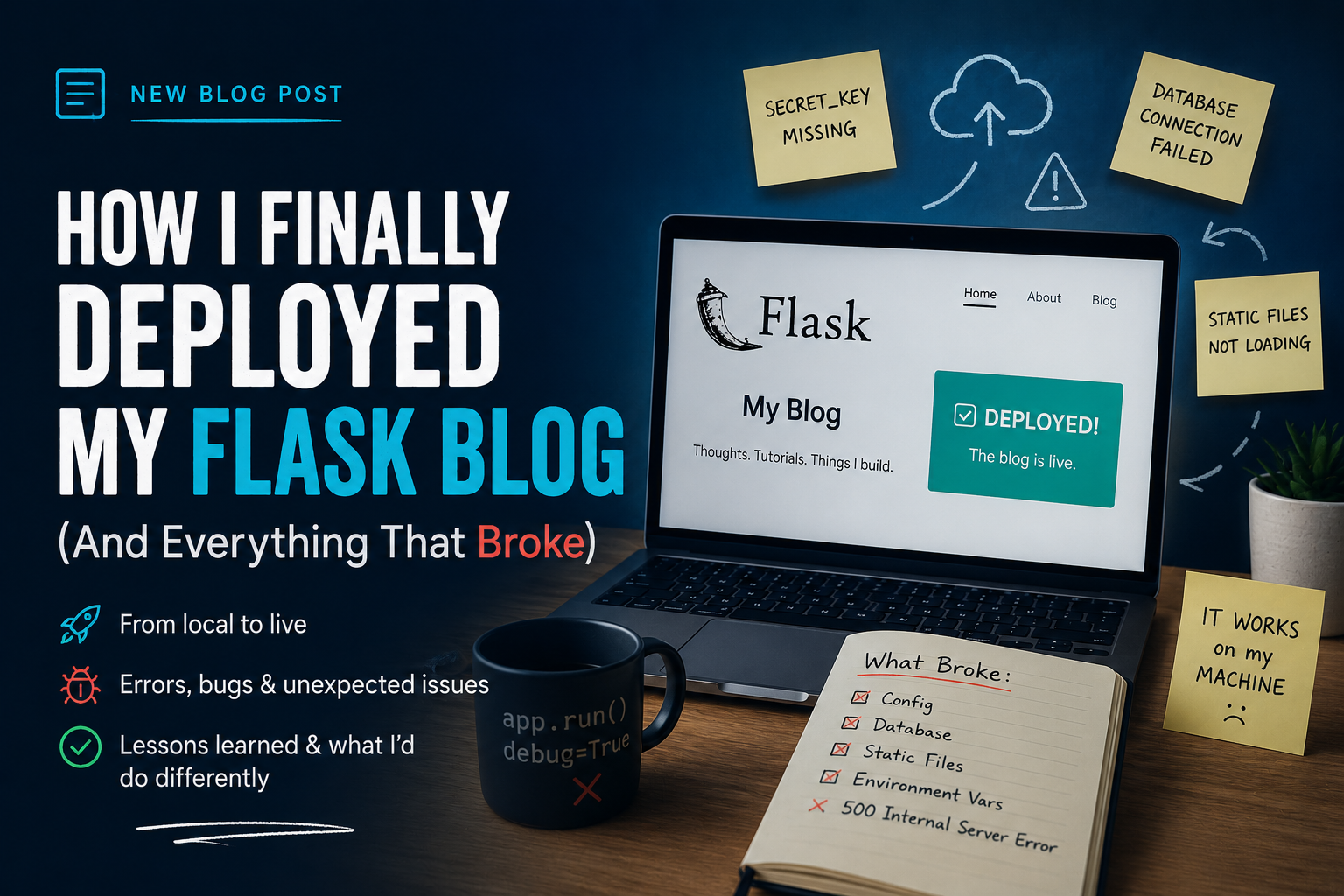
I'd been building this blog locally for weeks. Adding features, fixing bugs, breaking things, fixing them again. At some point I told myself: once it's deployed, it's done. That was naive.
Deployment isn't the finish line. It's the point where the problems you didn't know you had become impossible to ignore. Here's everything that broke when I pushed this blog live on Render, and what each thing taught me.
The stack — what I chose and why
Before getting into what broke, here's what I built on:
- Flask — backend framework. Chose it over Django because I wanted to understand how things fit together, not have them assembled for me.
- Aiven MySQL — free managed cloud MySQL. Persistent, reliable, no local server required on the hosting side.
- Cloudinary — image storage. Storing images on the server filesystem doesn't survive redeployments. Cloudinary gives a permanent URL for every upload.
- Render — hosting. Free tier, auto-deploys from GitHub on every push.
- Resend — transactional email for the contact form. (More on why I switched to this below.)
Problem 1: SSL configuration with PyMySQL
Aiven requires SSL for all MySQL connections. Simple enough in
theory. In practice, I spent longer than I'd like to admit
figuring out that ?ssl-mode=REQUIRED in the
connection string doesn't work with PyMySQL — it's a MySQL
CLI flag, not a PyMySQL parameter. PyMySQL uses
connect_args in SQLAlchemy's engine options:
app.config["SQLALCHEMY_ENGINE_OPTIONS"] = {
    "connect_args": {
        "ssl": {"ssl_mode": "REQUIRED"}
    },
    "pool_pre_ping": True,
    "pool_recycle": 280
}
The pool_pre_ping and pool_recycle
settings are also important — Aiven's free tier pauses on
inactivity, and without these, SQLAlchemy would try to reuse
a dead connection and throw an error instead of establishing
a new one.
Problem 2: SMTP was blocked on Render's free tier
My contact form worked perfectly locally — Flask-Mail with Gmail SMTP on port 465. On Render, every contact form submission returned a 500 error. The log said:
OSError: [Errno 101] Network is unreachableRender's free tier blocks outbound SMTP connections. Not documented prominently. I only found out by reading the actual error logs carefully.
The fix: switch from SMTP to an HTTP-based email API. I used Resend — one import, one API call, works on any platform because it uses HTTPS (port 443), not SMTP:
import resend

resend.api_key = os.getenv("RESEND_API_KEY")

resend.Emails.send({
    "from": "Karan Blog <onboarding@resend.dev>",
    "to": [os.getenv("EMAIL_USER")],
    "subject": f"New message from {name}",
    "text": f"{msg}\n\nFrom: {name}\nEmail: {email}"
})
Should have started here instead of Flask-Mail. SMTP is a legacy protocol with real limitations on modern hosting platforms. HTTP APIs are more reliable and easier to debug.
Problem 3: Google couldn't crawl the site
I set up Google Search Console and requested indexing, expecting it to take a few days. Instead I got: "Blocked by robots.txt."
I hadn't written a robots.txt. Render's default
was blocking all crawlers. Added a simple Flask route:
@app.route("/robots.txt")
def robots():
    content = "User-agent: *\nAllow: /\n"
    return Response(content, mimetype='text/plain')
Pushed it. Google indexed the site the same day.
Problem 4: Cold starts
Render's free tier spins down services after 15 minutes of inactivity. The next visitor sees a "Service waking up..." screen for 30-60 seconds before the site loads. Not a great first impression.
Fixed with UptimeRobot — a free monitoring service that pings your URL every 5 minutes, which is frequent enough to keep Render from spinning down the service. Zero cost, five minutes to set up.
What deployment actually taught me
Local development is a comfortable fiction. Your machine has no network restrictions. Your filesystem persists. Your environment variables are stable. Your database is always running. None of those things are guaranteed in production.
Every problem I hit post-deployment was a gap between what I assumed about the production environment and what was actually true. The SSL issue assumed PyMySQL and MySQL CLI share the same configuration API. The SMTP issue assumed all outbound ports are open. The robots.txt issue assumed no crawlers would show up until I was ready for them.
The only way to close those gaps is to deploy things and see what breaks. Reading about deployment is not the same as doing it. The problems are the education.